Hi everyone. I’ve been using a Mac for about 3 years now, but only today I accidentally discovered the Terminal application (I was just trying to open something else, missed with the mouse, and launched it by mistake). When opened, it was basically just a plain window with some text, and I had no idea what I was looking at, so I closed it right away.
So, can someone explain in simple terms what is Terminal on Mac? Have I missed out on a lot by never using it all these years, or is it one of those things that I never really need?
I think you already answered your own question. If you’ve used your Mac happily for 3 years without ever opening the Terminal application, then you probably don’t need it. You should read a couple of articles about Terminal to understand what it does and why some people use it. After that, you’re likely good to go.
If you want simple terms, the macOS Terminal app is a text-based way to communicate with macOS. Instead of clicking buttons and menus, you type commands and the system executes them. Apple describes Terminal as a command-line interface that lets you interact directly with the operating system ( from the Apple support page)
So, Finder is the graphical version of macOS, while Terminal is the text version. Both can do many of the same things, but some tasks are faster or only possible through the Terminal application.
As for real-world uses, I use the macOS Terminal app to install software through Homebrew or to check network-related issues.
If you want Apple’s own explanation or examples of comand, these are good starting points:
I’m probably on the opposite end of the spectrum since I open the terminal window on my mac almost every day (not because I’m some hardcore programmer, but because it’s often faster).
For example, every now and then I check large folders with du -sh ~/Downloads/* command because my downloads folder has a habit of turning into a disaster zone. I also use ping google.com whenever my internet starts acting weird and I want to know whether the problem is my connection or the website itself.
That’s basically how Terminal started for me - 1 useful command, then another, and eventually it became the main tool I use on my Mac.
I ignored the Terminal app for Mac for years, then I started following Mac troubleshooting guides, and I noticed that many of them eventually say something like “Open Terminal and paste this command.” Today I still don’t use it daily, but I occasionally use it to flush DNS, check disk information, or remove files that Finder refuses to delete. Nothing advanced.
I’ve had Macs since around 2016 and can probably count my Terminal program usage on one hand. You’re definitely not alone. If you’ve gone 3 years without touching it and never felt limited, then you probably haven’t missed anything that actually matters for your day-to-day use.
One thing that helped me understand the Terminal application is realizing that macOS is built on a Unix foundation. That’s why so many guides, developer tools, and server tools work through Terminal. The graphical interface is what most people see, but underneath it there’s a system that has been command-line friendly for decades.
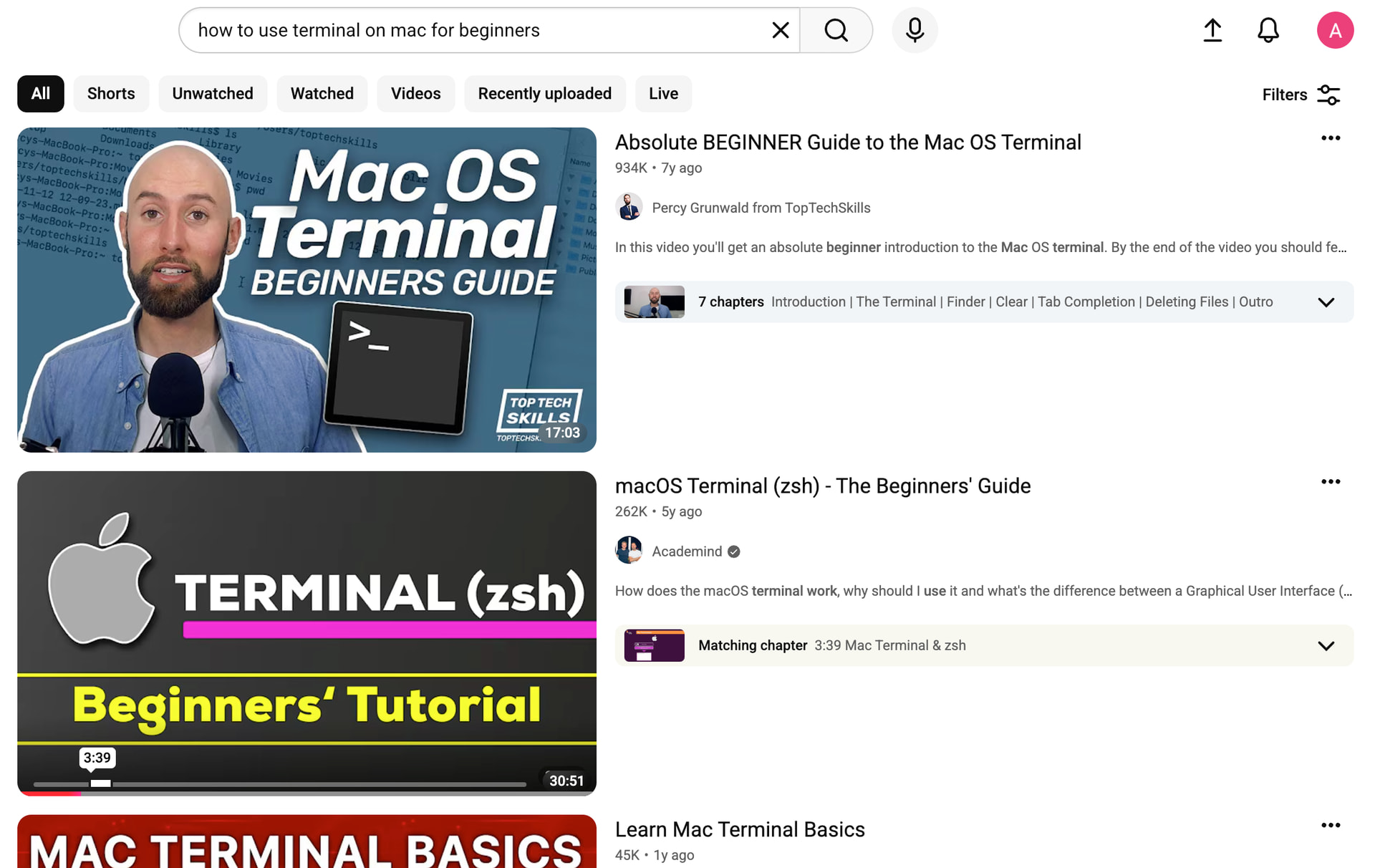
If you’re genuinely curious, there’s no harm in giving it a try and seeing whether you actually like working with Terminal. There are hundreds of YouTube guides that start with the absolute basics and go all the way to advanced workflows. Watch a few beginner videos, follow along, and try some of the safer commands they show.
Just be careful about blindly copying commands from random videos or websites. The terminal program gives you direct access to parts of macOS that normal apps don’t touch. Most beginner commands are harmless, but if you run the wrong thing without understanding what it does, you can change settings, move files, or create problems that are harder to undo than a simple Finder mistake.
So treat the Terminal app for Mac as a learning tool at first, experiment with it, but don’t type commands you don’t understand.
Thanks everyone! I don’t really have the time or desire right now to learn Terminal, how it works, or what it can do. I’ve gotten used to doing everything through graphical menus and buttons, and that works fine for me. That said, at least now I know what that app is and why some people use it. I’ll keep it in the back of my mind in case I run into it later while following a guide or troubleshooting something on my Mac.