System Data on my iPhone has somehow grown to over 50 GB and I’m running out of storage because of it. I’ve tried restarting the phone and clearing Safari data, but it barely made a difference. Is that much System Data normal, and is there a safe way to reduce it without resetting the whole iPhone?
Soo 50+ GB is definitely more than I’d expect… Mine is usually around 12–15 GB. I’ve had it jump after an iOS update before, then drop back down later. I’d check if there’s an update waiting before doing anything drastic.
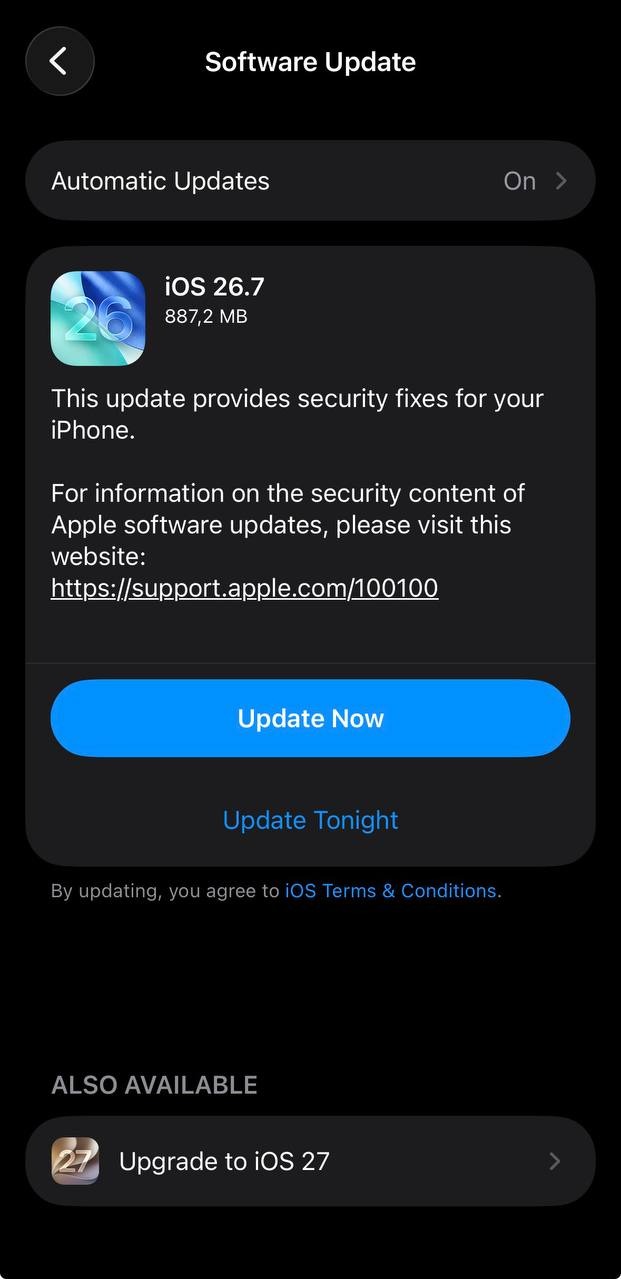
There actually is one waiting. I haven’t installed it yet because I was kinda worried it’d make the storage situation worse 
I’d back it up first if you’re already that low on free space. Also check any apps you use a lot. Some can build up a surprising amount of cached data over time.
Spotify is probably the app I use the most, so I’ll check that!!
Spotify has a Clear Cache option, so that’s worth trying before deleting the app.
If clearing Spotify’s cache doesn’t free up enough space, this storage checklist has a few other things you could try.
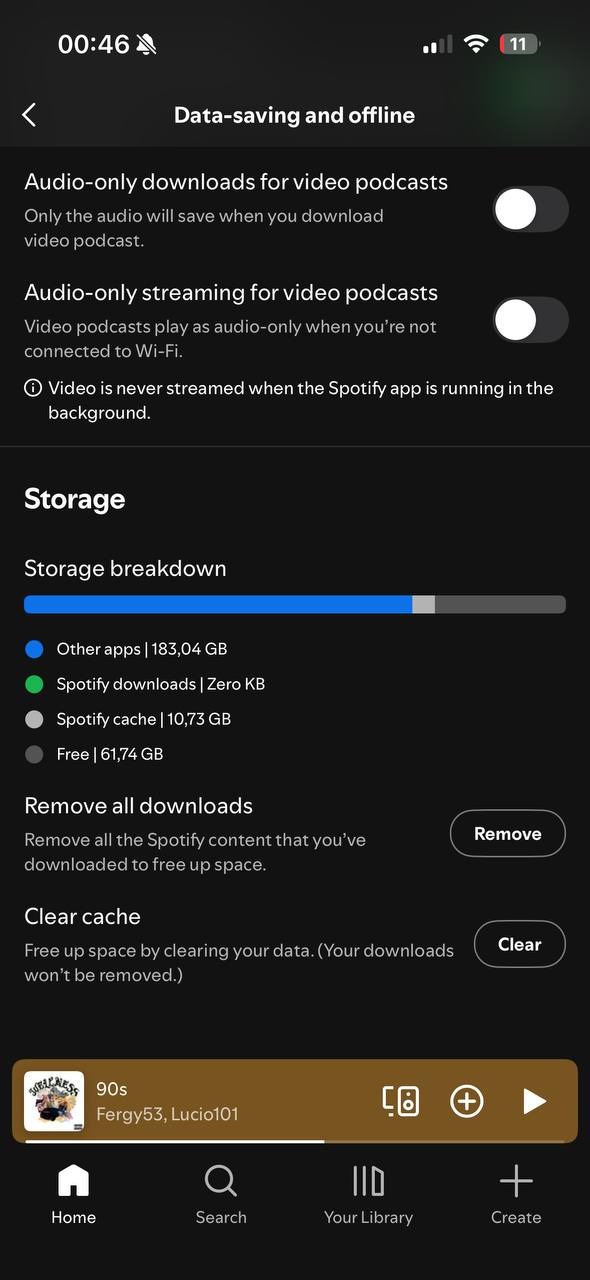
Just checked. Spotify had a few GB sitting there, which I definitely wasn’t expecting lol.
Cleared it, and System Data dropped quite a bit afterward. Didn’t expect that to make such a big difference tbh.
If the update is still pending, I’d do that next. If the phone doesn’t have enough free space, you can also update it through a Mac or PC instead of trying to force the update on the phone.
Update!! I installed the iOS update and restarted afterward. System Data dropped again and is now around 20-something GB. So clearing the Spotify cache made a pretty big difference, and the update brought it down further.