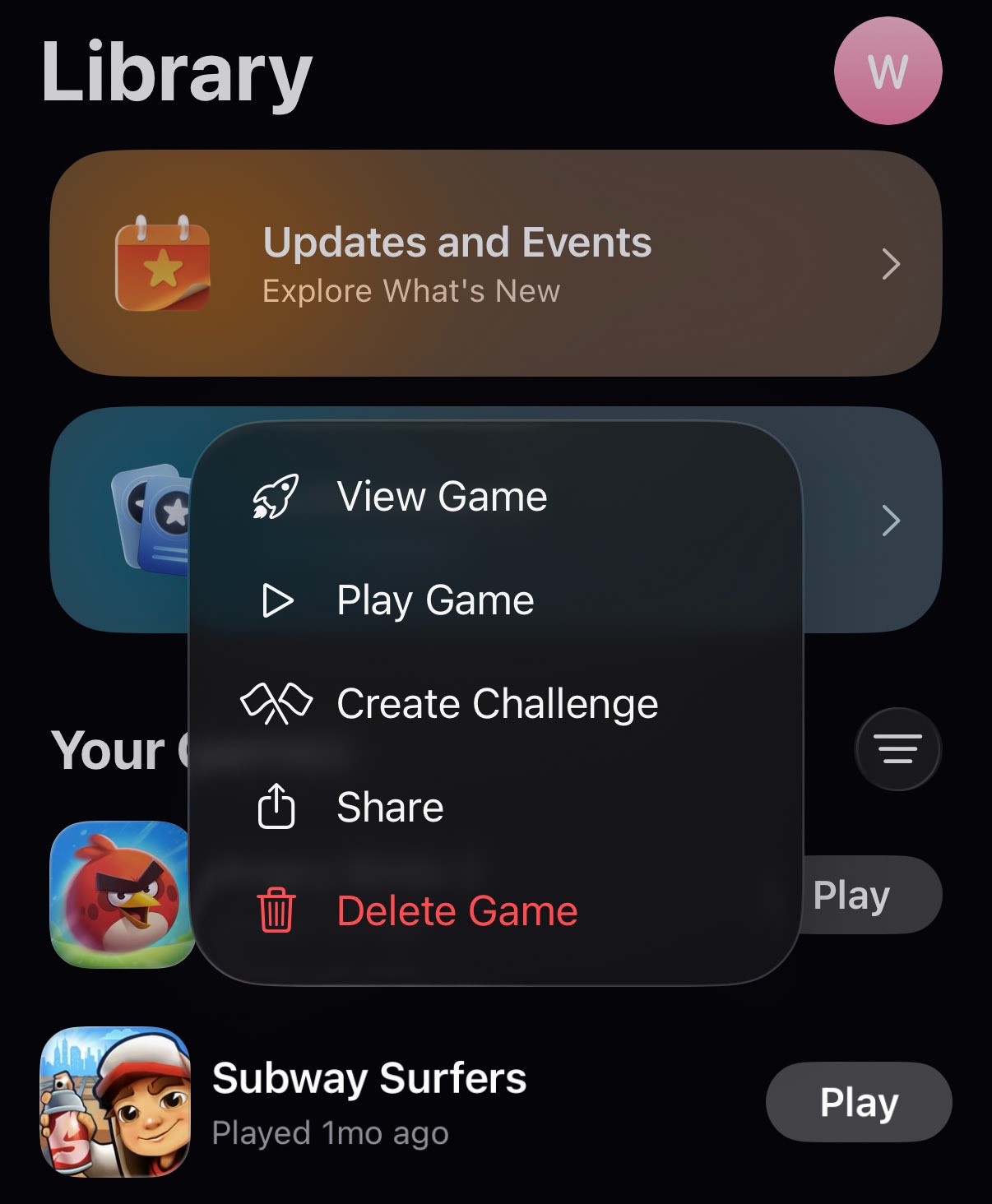
At some point, games basically took over my iPhone. The weird part is that the games themselves are not even that huge, but the data they collected is sometimes 10x bigger than the actual app size. Now it affects everything (my storage, performance, and even how long the battery lasts). I want to fix this, but I don’t understand what the right way is. I also wanted to delete Game Center data, but there doesn’t seem to be anything there that looks like a Delete button or a reset option.
Does anyone know how to erase game data on an iPhone? Any real experience or advice, pls.
I don’t know how to delete game center data, since I ignore game center completely, but I’d try to delete the game and then install it again. That works for messengers and other apps when their data gets too big, so it may work for games too. Just keep in mind that you might lose your progress and have to start from 0.
How do you feel about those games now? If you’re bored with them and don’t plan to play again, then there’s probably no point in searching for how to reset a game on iPhone. Just delete the game and move on. But as already mentioned above, that can affect your progress, achievements, and saved data. You may get everything back only if the game saves progress on its own server or account system. If all progress is stored locally on the iPhone, then it’s gone once you remove it.
If you’re doing this mainly because of storage, check other categories before touching games you still care about.
Good timing, I’ve looked into how to clear game data on iPhone a bit before. The annoying answer is that it depends on where the game keeps its save data.
If the game stores everything locally, then the usual method is to delete the app and install it again. Go to Settings > General > iPhone Storage, choose the game, then tap Delete App.
If the game saves data in iCloud, you can try removing it from there too. Open Settings, tap your Apple ID at the top, then go to iCloud > Saved to iCloud > See All and check whether the game appears there. If it does, turn it off. After that, go back to iCloud > iCloud Storage > Manage Storage, look for the same game, and delete its stored data if iOS shows that option.
As for Game Center, from what I’ve seen, it mostly gives you the option to remove/delete the game itself. I don’t think there’s a separate clean “delete only this game’s data” button inside Game Center.
If you still plan to play those games, I wouldn’t deal with their data. Game data is not just random cached junk. In many cases, it is your saves, sessions, settings, unlocked items, and progress. I’d look for safer storage wins before going after games. Photos and videos are usually the first place to check (if you don’t want to sort them manually, use a cleaner app like Clever Cleaner). Messages can also hide a lot of attachments, especially old videos and GIFs.
If you don’t want to delete much, another option is to move more of your general data into iCloud and leave local iPhone storage mostly for apps and games that really need it. Because once you use the iPhone delete game data route, it’s not always something you can undo. If the game does not sync progress to its own account or server, that data may be gone for good.
I read through your advice about how to reset game data on an iPhone, and now it doesn’t sound like such a good idea anymore. I don’t want to start every game from zero. Some of them have a few years of progress in them, so I’ll probably clean up other storage categories first instead of the games. Thanks!
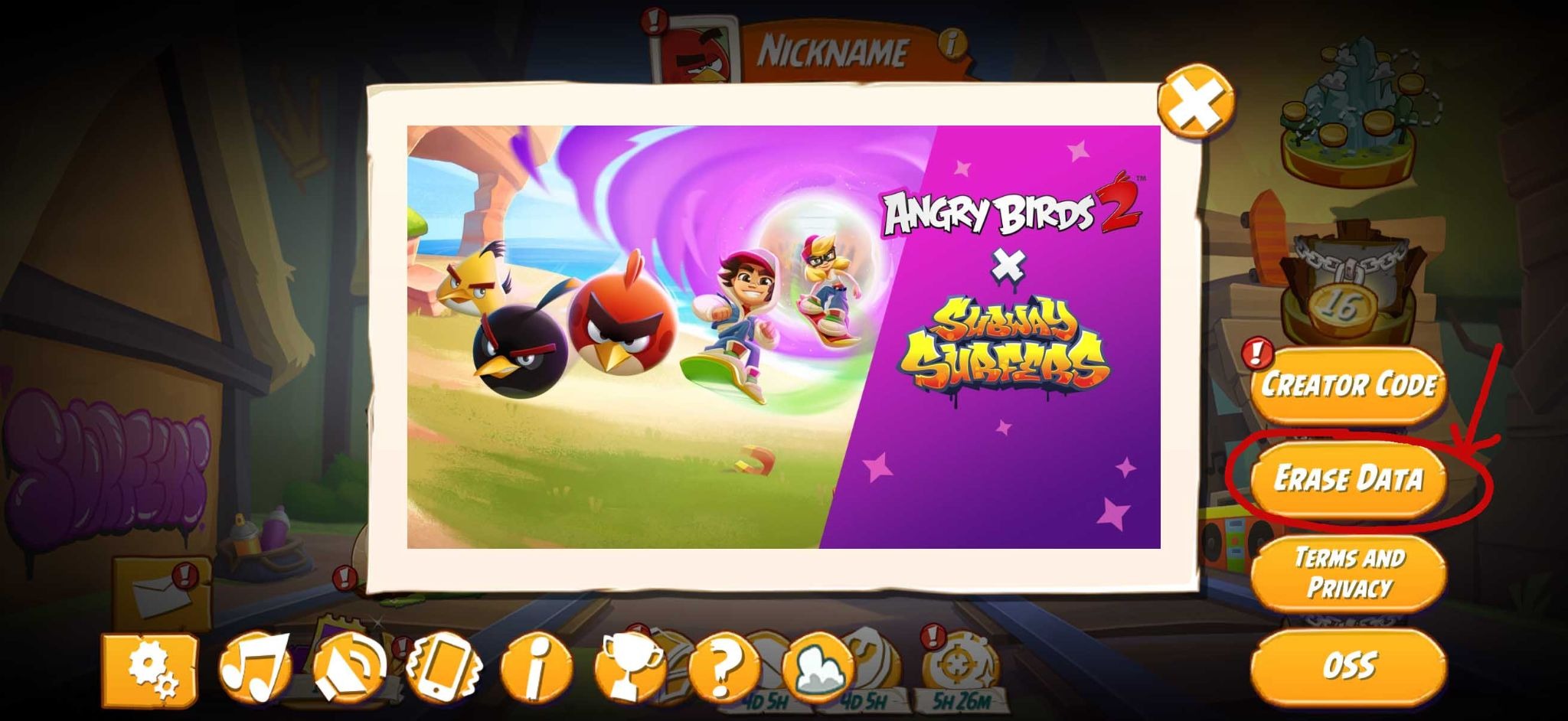
Not sure if this is still in time, but sometimes you can delete game data iPhone-side from inside the game itself.
I don’t know how common this option is, but I’ve seen it before. Angry Birds, for example, has a way to erase data in its own settings. So if this is still relevant, you should open the games one by one and check their in-game settings.